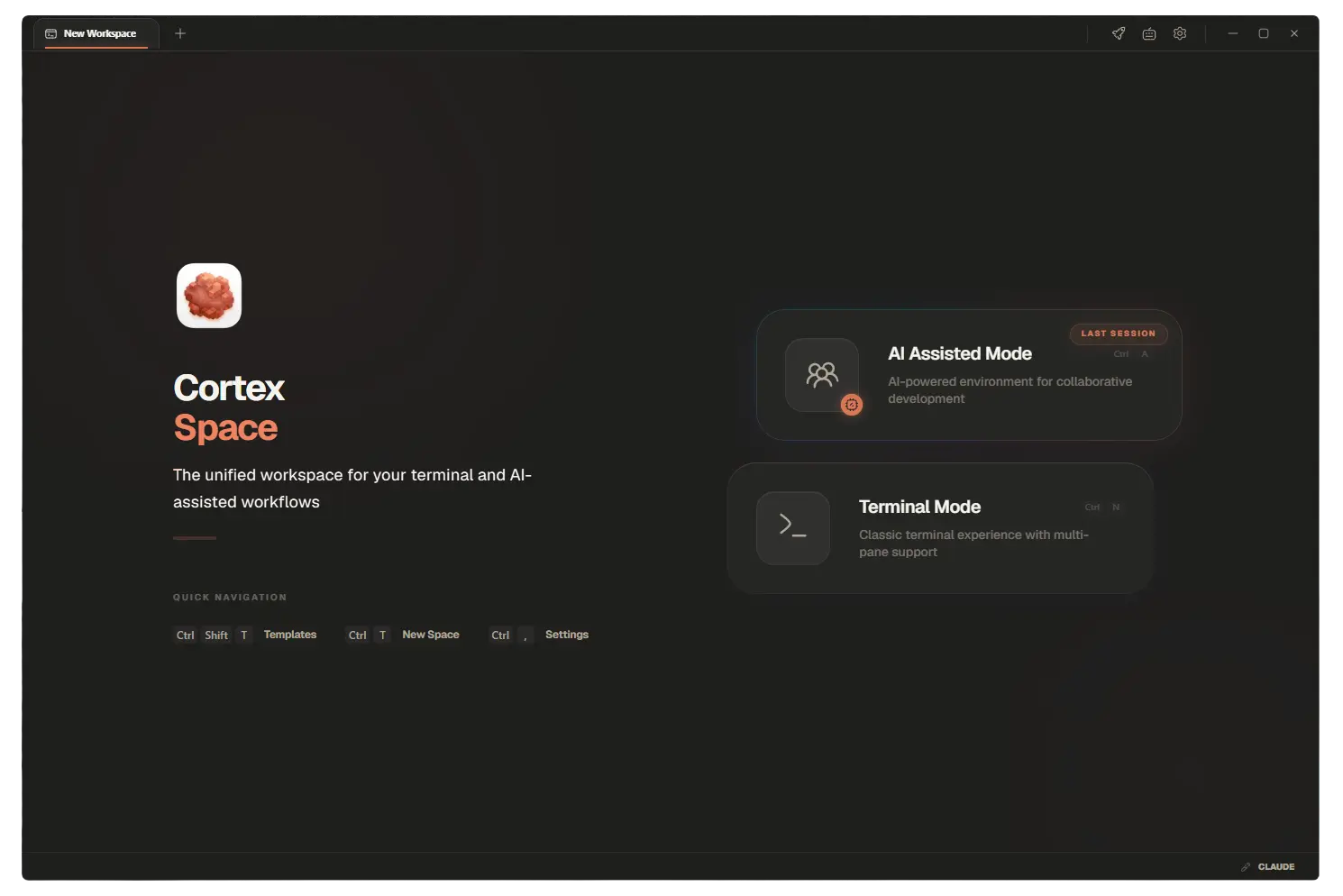


Elevate Your Projects with Cortex
Cortex is equipped with keyboard-first navigation, customizable workspace templates, dynamic layout elevators, and agentic terminal modes designed to optimize developer experience.
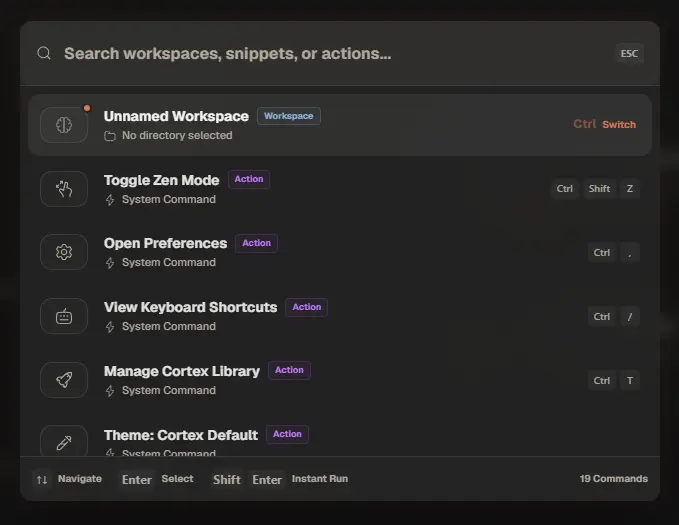
Command Palette
Keyboard-first access to any command, search shortcut, and workspace configuration instantly.
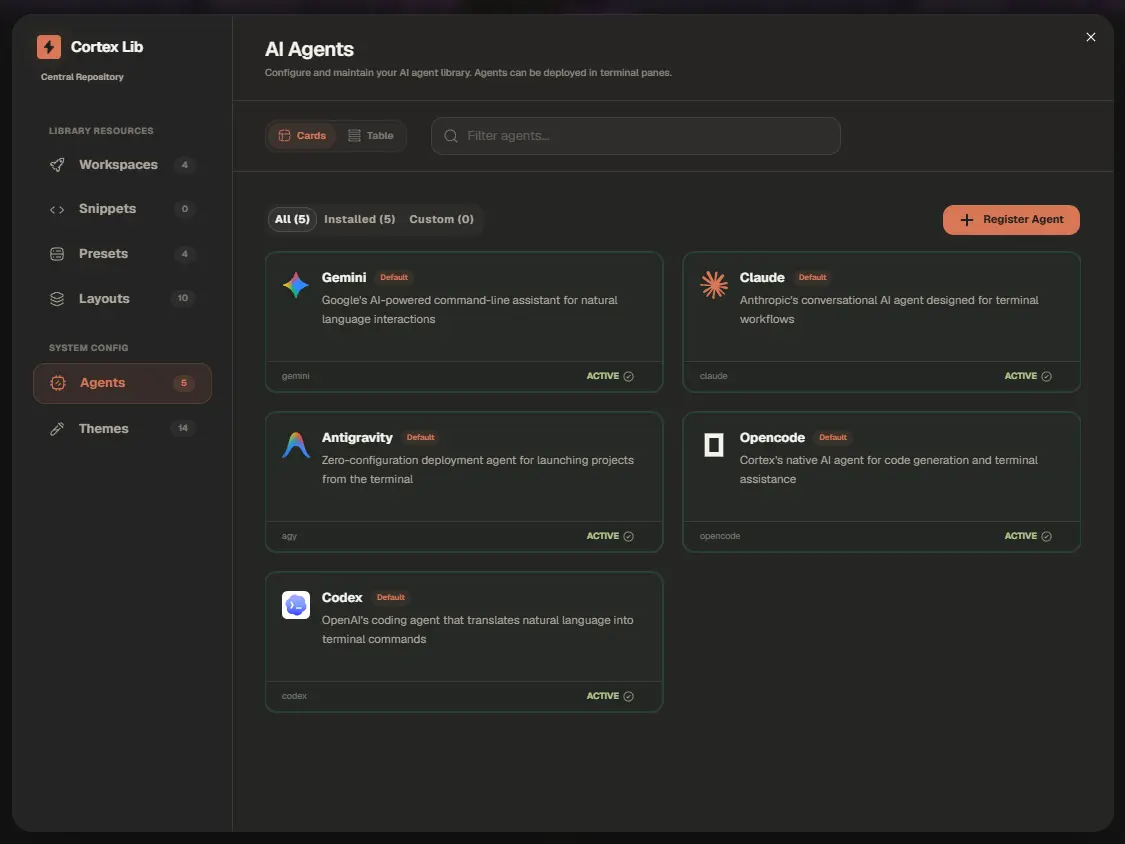
Cortex Library
Configure workspace templates, snippets to inject into specific terminals, path presets, and dynamic layout presets.
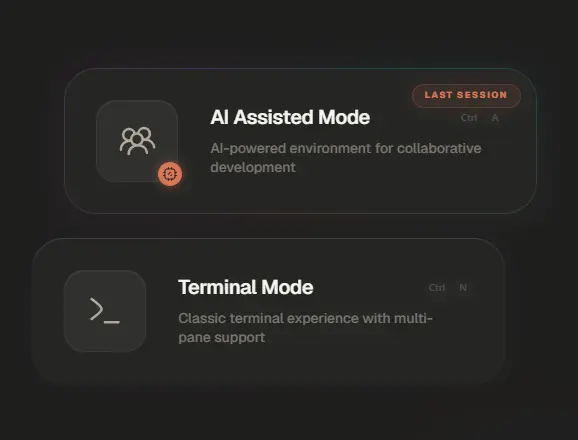
Mode Selector
Select whether you want a normal terminal session or the agent mode to run the agent CLI natively in the terminal.
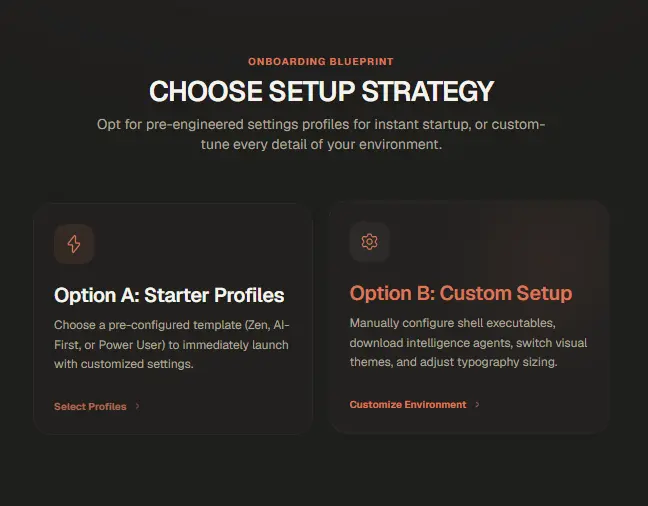
Setup Templates
Choose from ready-to-use workspace templates to instantly bootstrap theme configurations, layout types, terminal paths, zen mode, and more.
UX Elevator
Drag and drop any terminal pane to dynamically rearrange, split, or elevate your workspace layout on the fly.
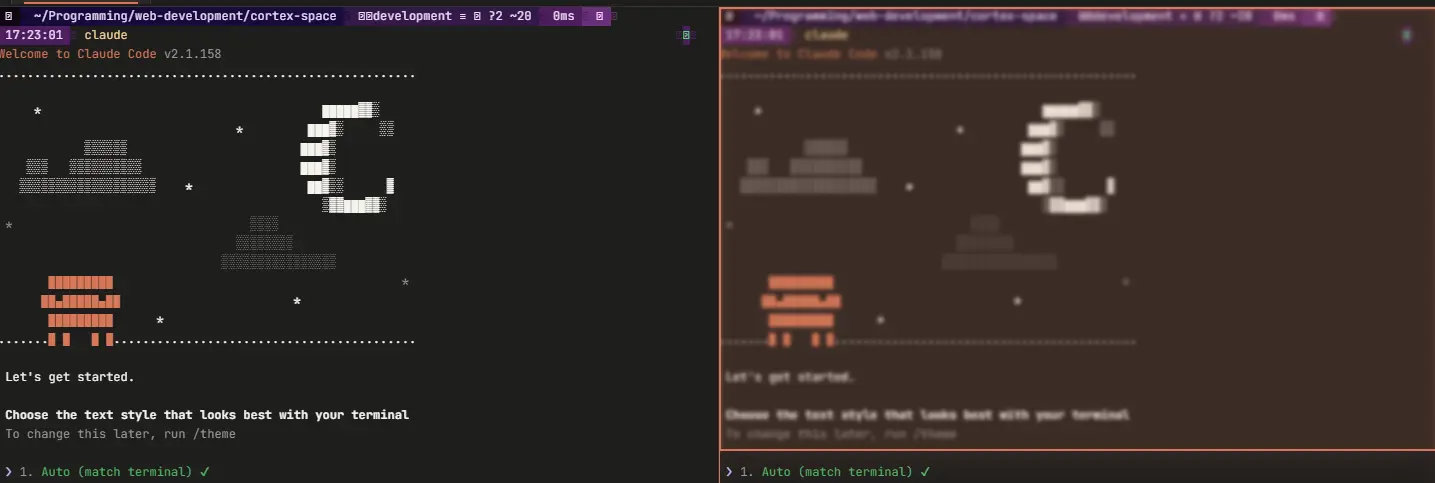
Experience Cortex Core Modes
Explore the end-to-end development cycle inside Cortex. Pinpoint configurations, switch workspace modes, and deploy virtual containers in real-time.
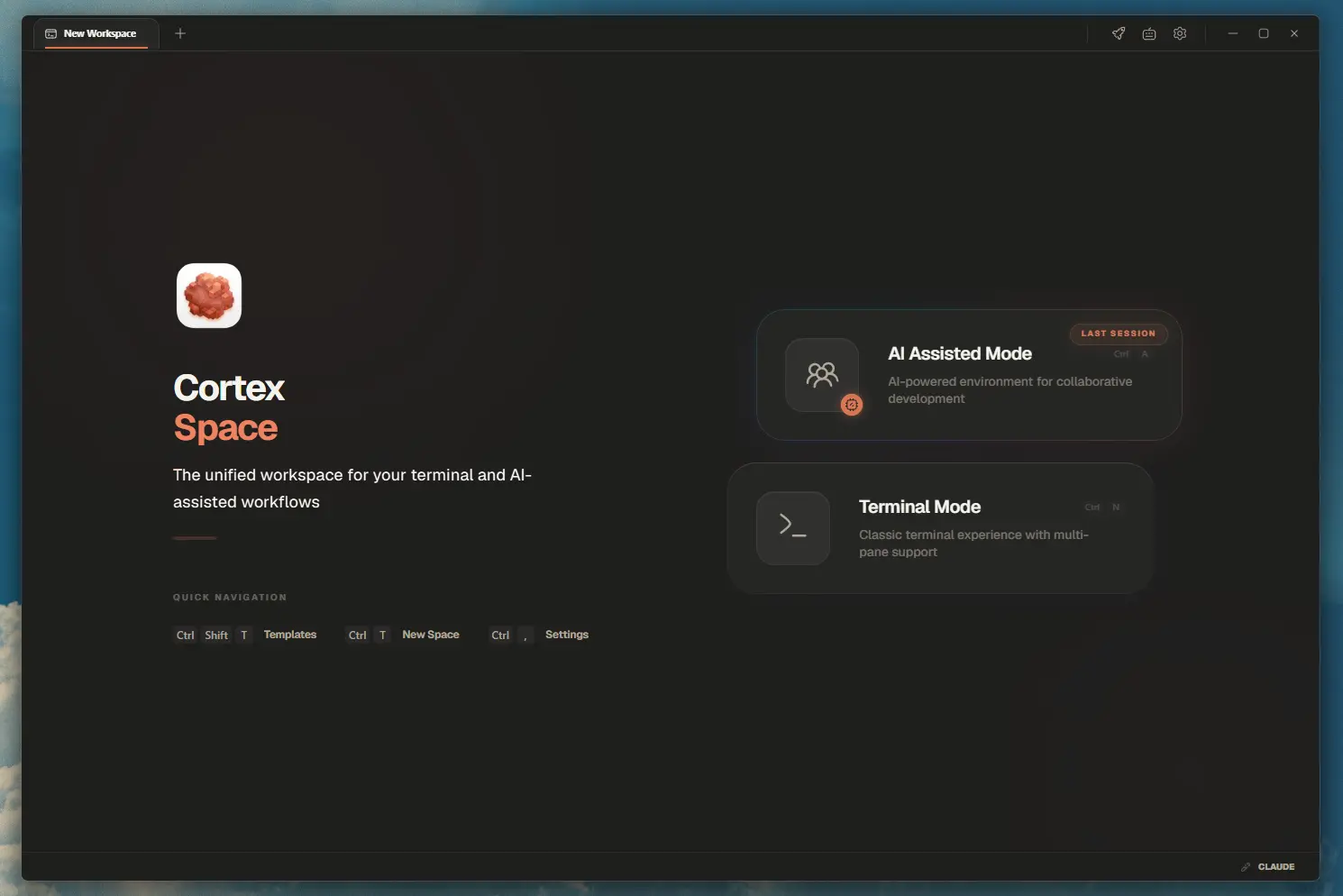
Mode Selector
Toggle between standard terminal mode and AI-assisted agent mode to choose your working environment.
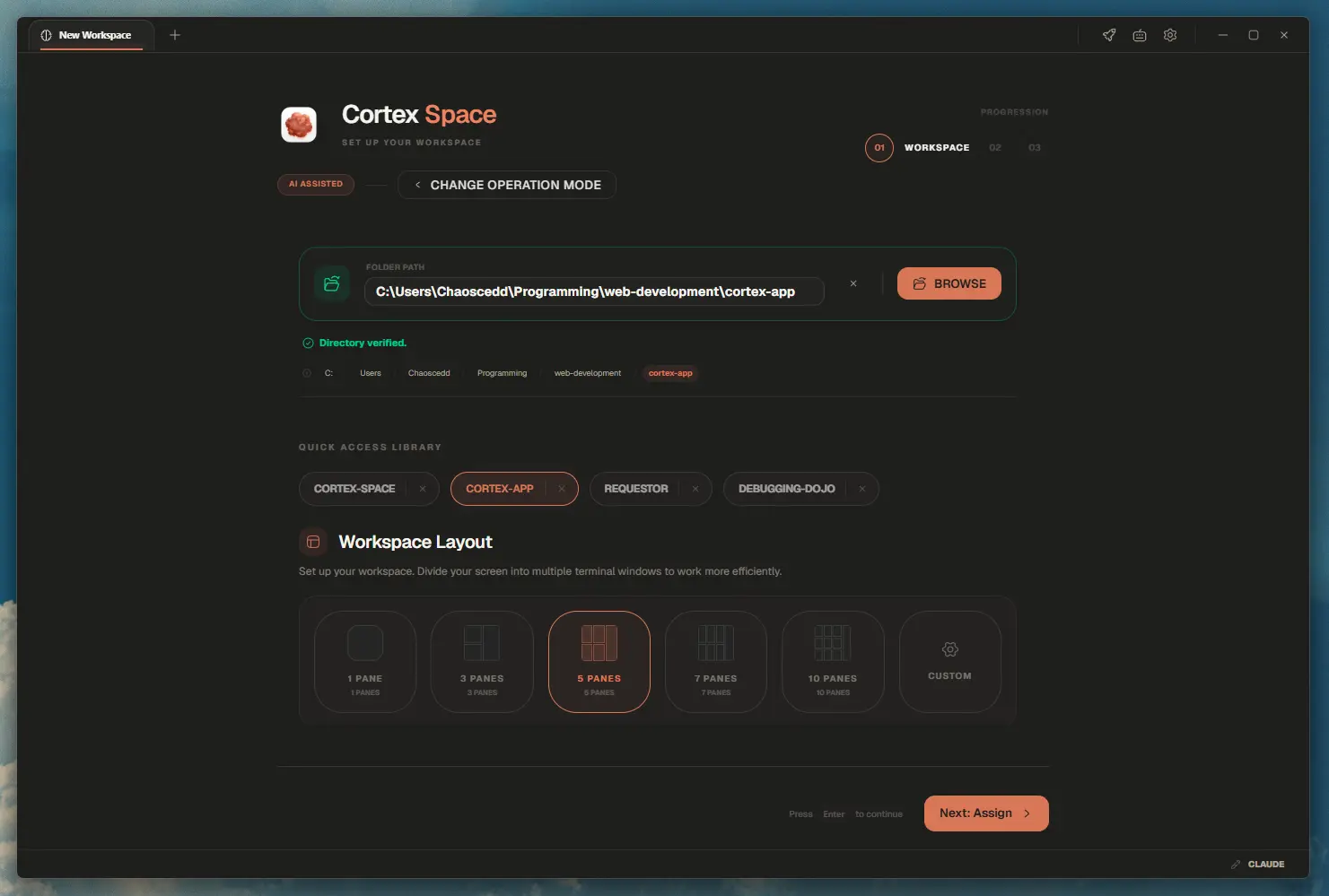
Directory Selection
Browse and select your local development folder to initialize your terminal workspace path.
Layout & Panes
Select recursive split pane templates and configure starting terminal commands for each panel.
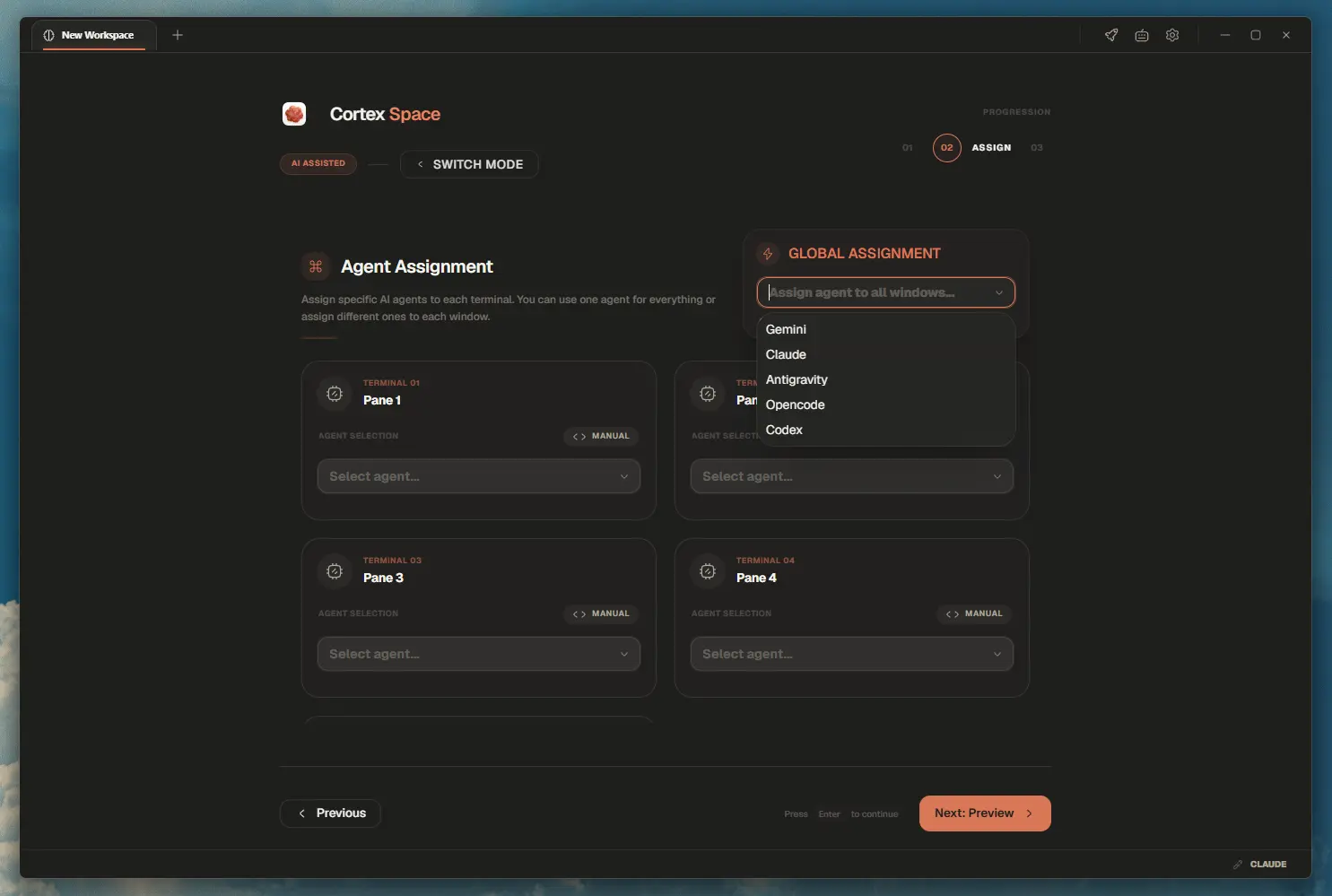
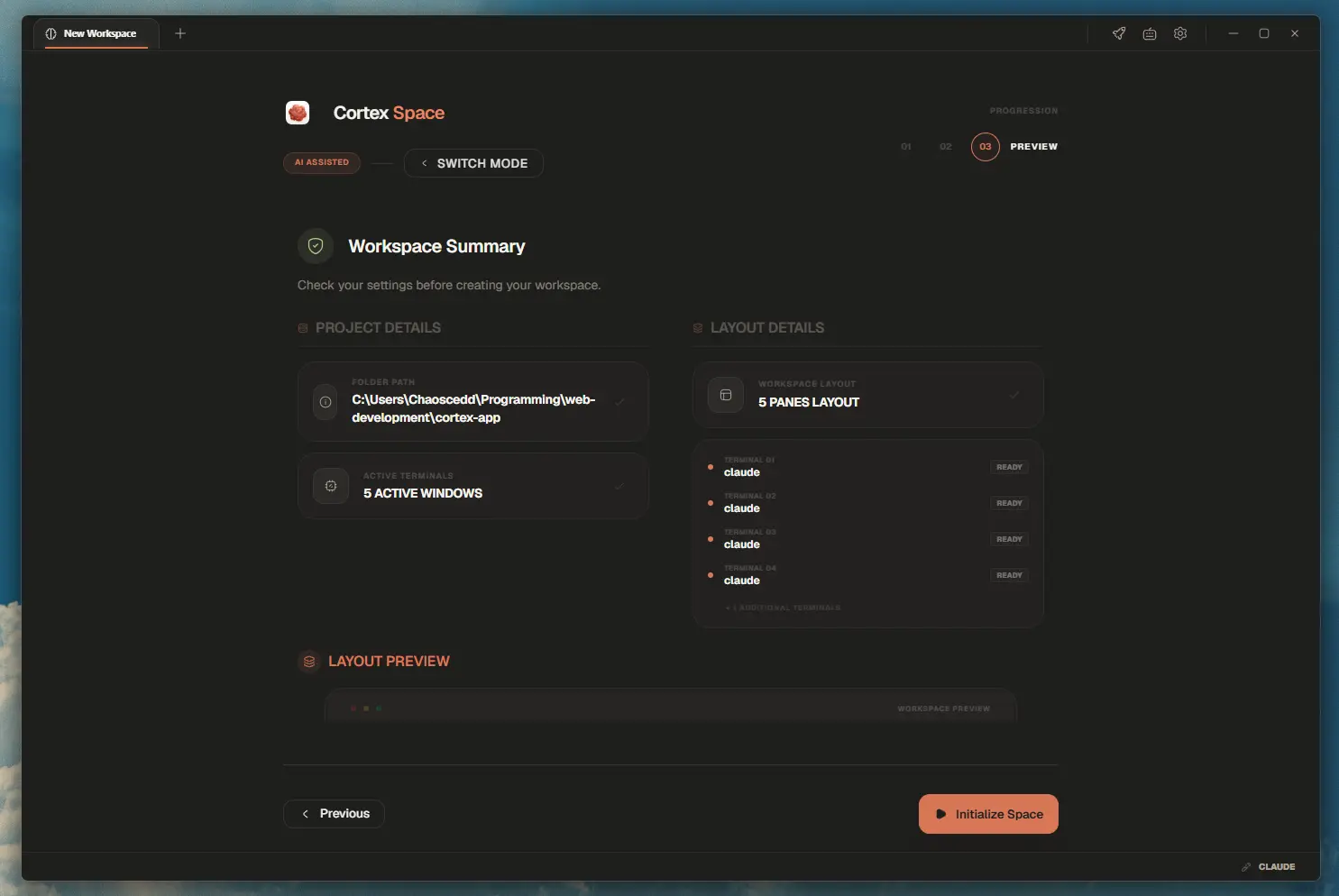
Preview & Launch
Review your workspace configuration and launch your custom terminal layout with one click.
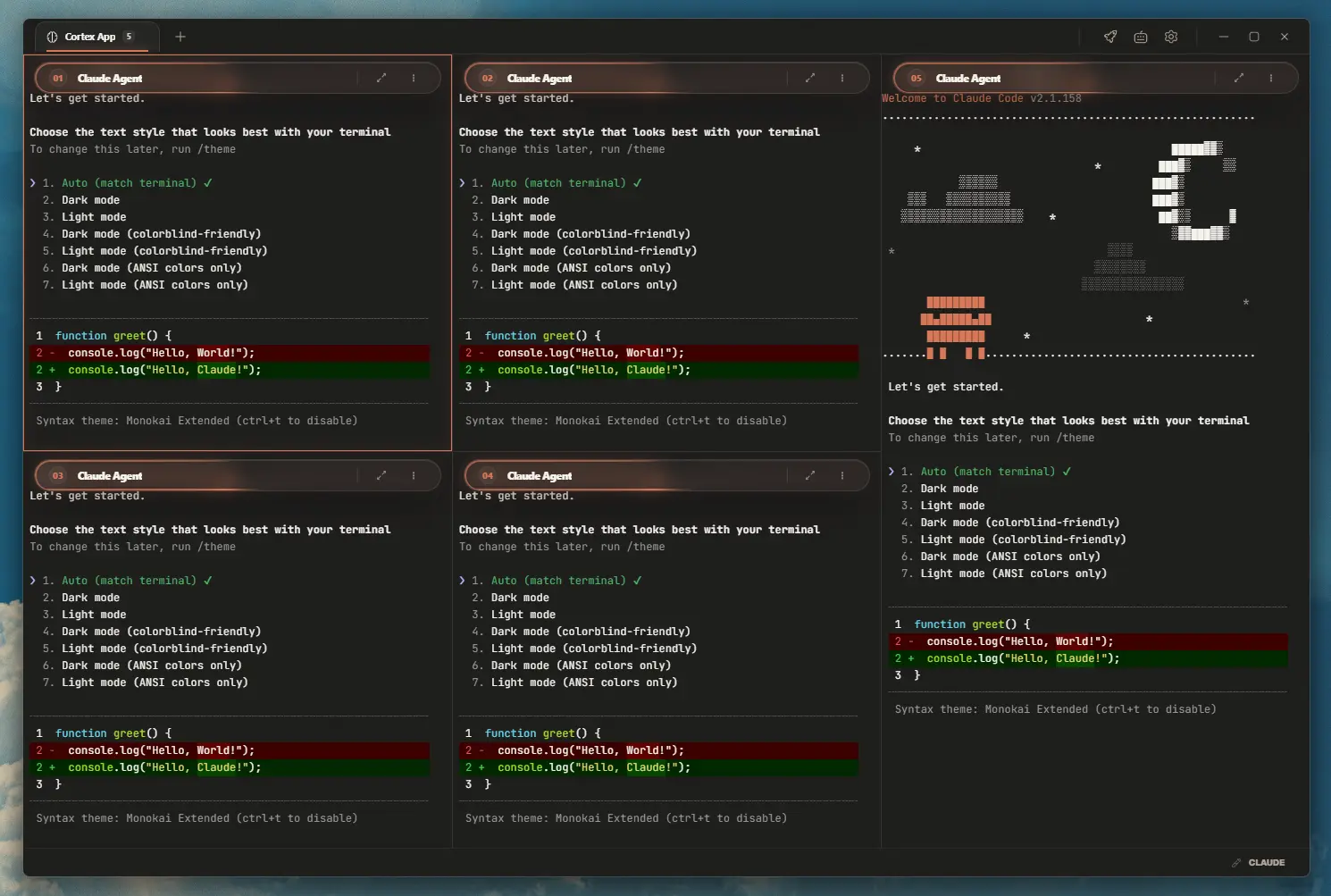
Interactive Workspace
Run multi-pane shell commands with automatic local port detection, custom sub-tabs, and custom agent capabilities.
Track Our Development Journey
Stay up to date with the latest features, performance improvements, and ecosystem updates pushed directly to the Cortex Space workspace.
Get Cortex Space
Free, local-first, and open-source forever. No email signup, login keys, or usage telemetry required. Select your platform below.
Frequently Asked Questions
Answers to common inquiries about Cortex Space workspaces, shell integration, templates, and security.
Elevate your development workflow.
Cortex provides an open-source terminal workspace tailored for speed. Ditch local configuration issues and manage your layouts, snippets, and tools through structured, keyboard-driven environments.